
01
Listen sentence by sentence
Manual or caption-based marks, sentence/range loops, repeated playback and mastery colors.
Replay your favorite videos sentence by sentence. Translate and save YouTube captions or web selections, then use concise AI listening guidance to notice what you missed.
Chrome / Edge · BiliBili / YouTube listening · Web selection context menu
·Also:Download Edge browser·Download Chrome browser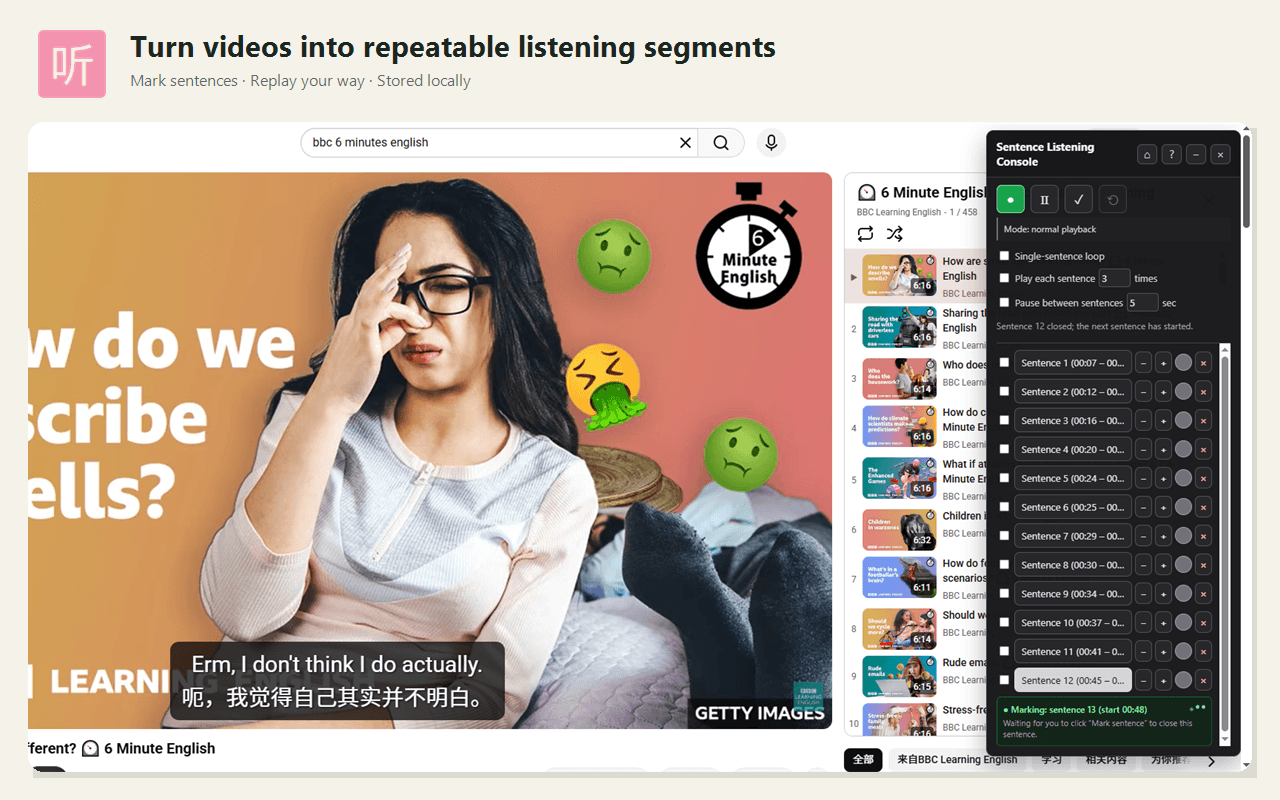
Built for deliberate listening
Manual or caption-based marks, sentence/range loops, repeated playback and mastery colors.
Translate YouTube captions or selected web text and save notes in cloud favorite folders.
Ask Why didn’t I catch it? for concise text-based AI listening tips. Video audio is not analyzed.
Installation guide
Open this page in a suitable browser on your computer, then choose the corresponding extension to install.
 Google Chrome
Network note: In mainland China, the Chrome Web Store may be inaccessible without a VPN or proxy. If you cannot access it, try installing with Edge through the Edge Add-ons store instead.
In Chrome, select “Add to Chrome” below to open the Sentence Listening Console store page.
Select “Add to Chrome”, review the requested permissions, then select “Add extension” and wait for installation to finish.
Find Sentence Listening Console in the Extensions menu at the top right. Use the pin icon to keep it in your toolbar. Refresh any video pages that were open before installation.
 Microsoft Edge
In Edge, select “Add to Edge” below to open the Sentence Listening Console store page.
Select “Get”, review the requested permissions, then select “Add extension” and wait for installation to finish.
Find Sentence Listening Console in the Extensions menu at the top right of your browser. Refresh any video pages that were open before installation.
v1.2.1 · 2026-10-09
This release improves the everyday flow of looking up words, listening, organizing vocabulary and downloading captions.
Mark sentences, loop playback and track mastery on BiliBili and YouTube. Caption availability differs between the platforms; compare the features below.
| Feature | BiliBili | YouTube |
|---|---|---|
| Manual marking, looping and mastery | Supported | Supported |
| Automatic marks from captions | Requires Bilibili sign-in and valid captions | Requires available captions |
| Original captions, translation and favorites | Not yet supported | Supported |
| Timestamped caption download | Requires valid captions | Requires available captions |
| Speech and listening analysis for selected text | Available through webpage selection popups | Supported |
| Continue on mobile | Not yet supported | Supported |
Select words or sentences in captions or webpages, check meanings and pronunciation, then save what you want to review. Request listening analysis for a passage you find difficult.
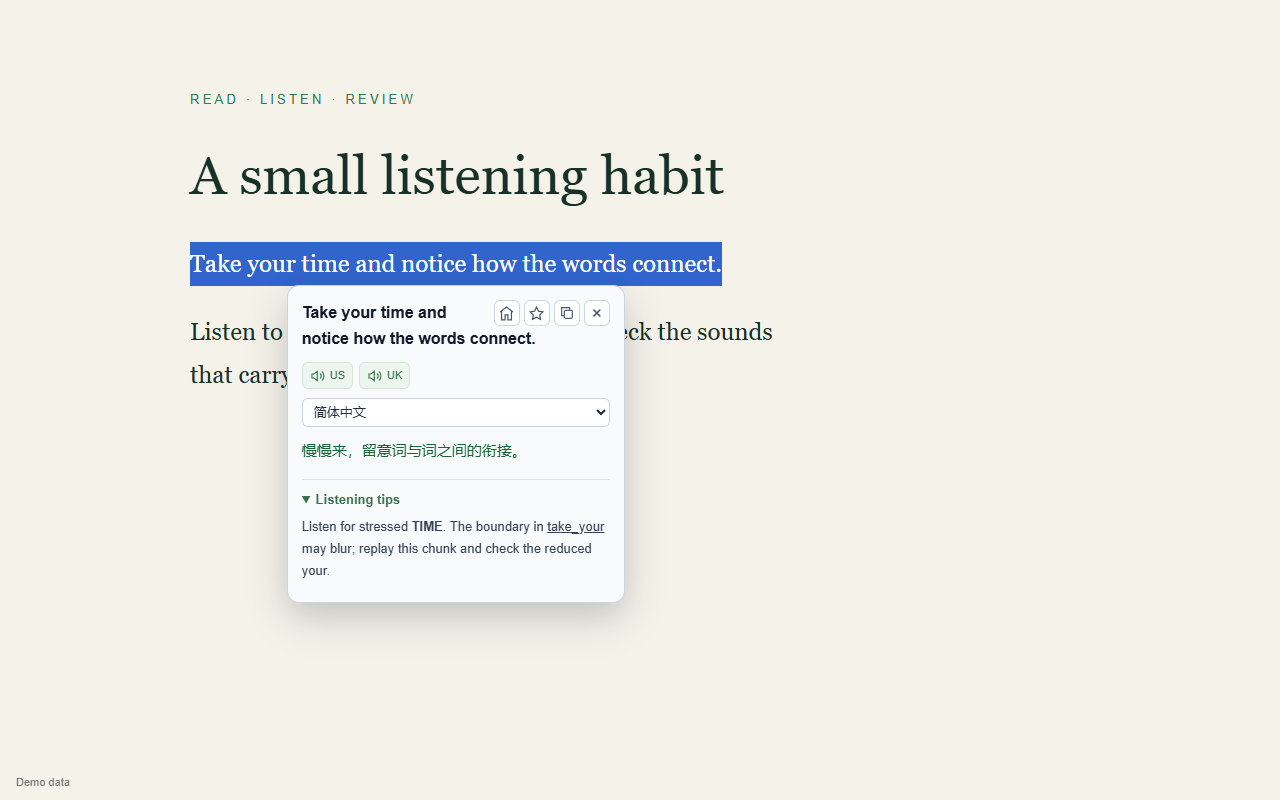
Explore parts of speech, common phrases and word forms. Move the popup while reading the original text.
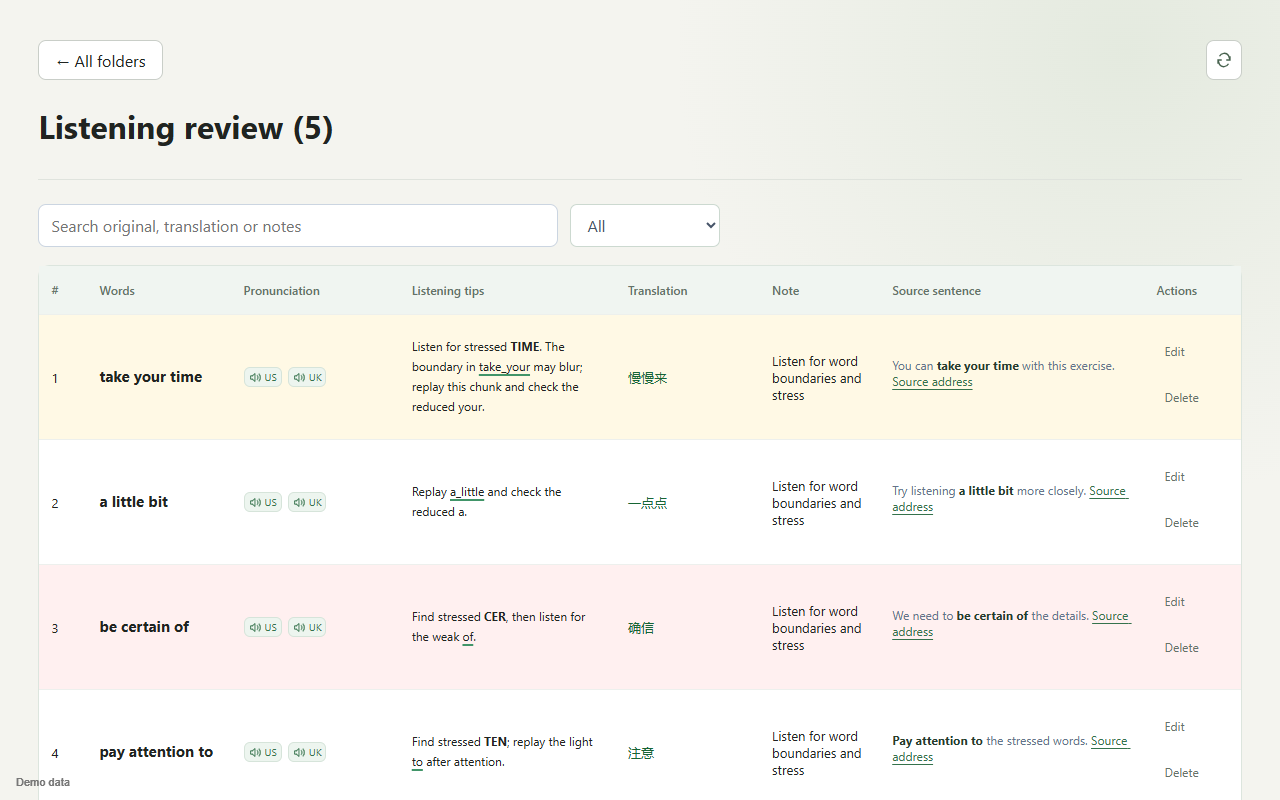
Search original text, translations and notes, add entries manually and review by mastery.
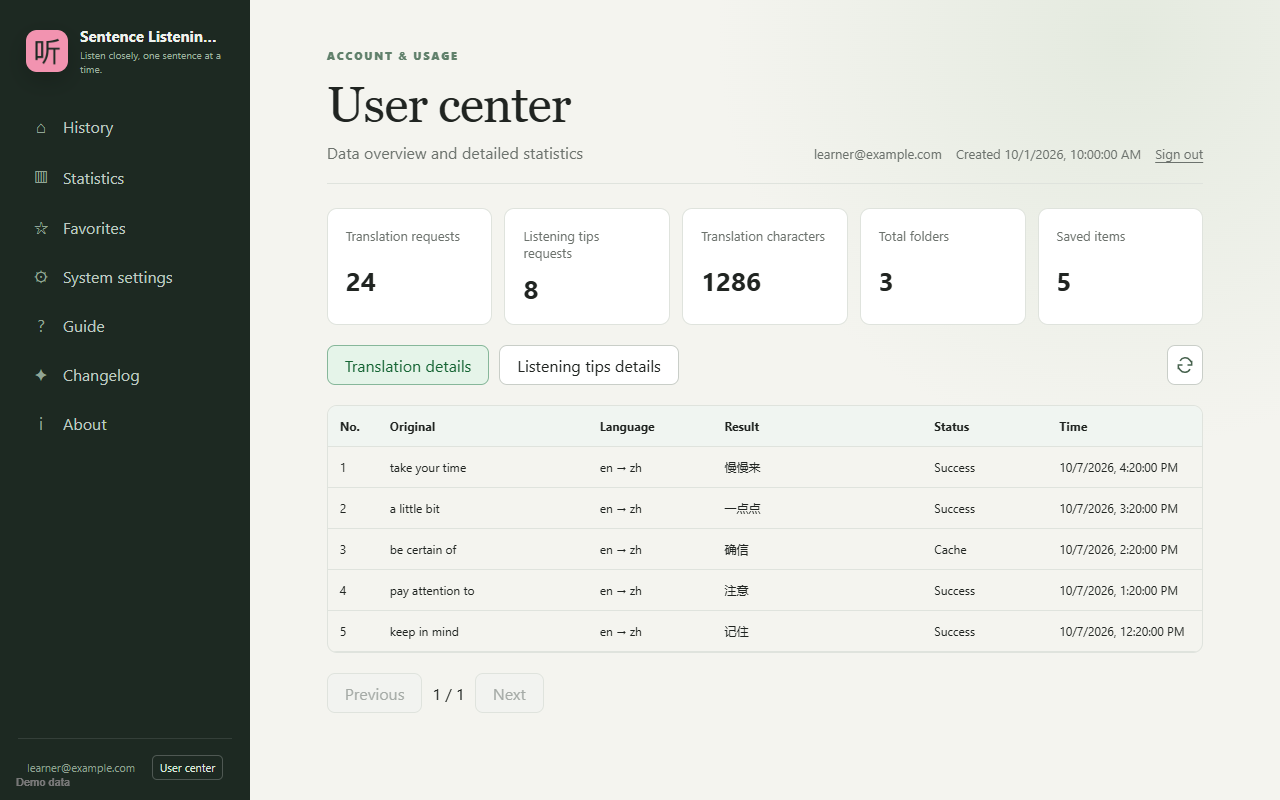
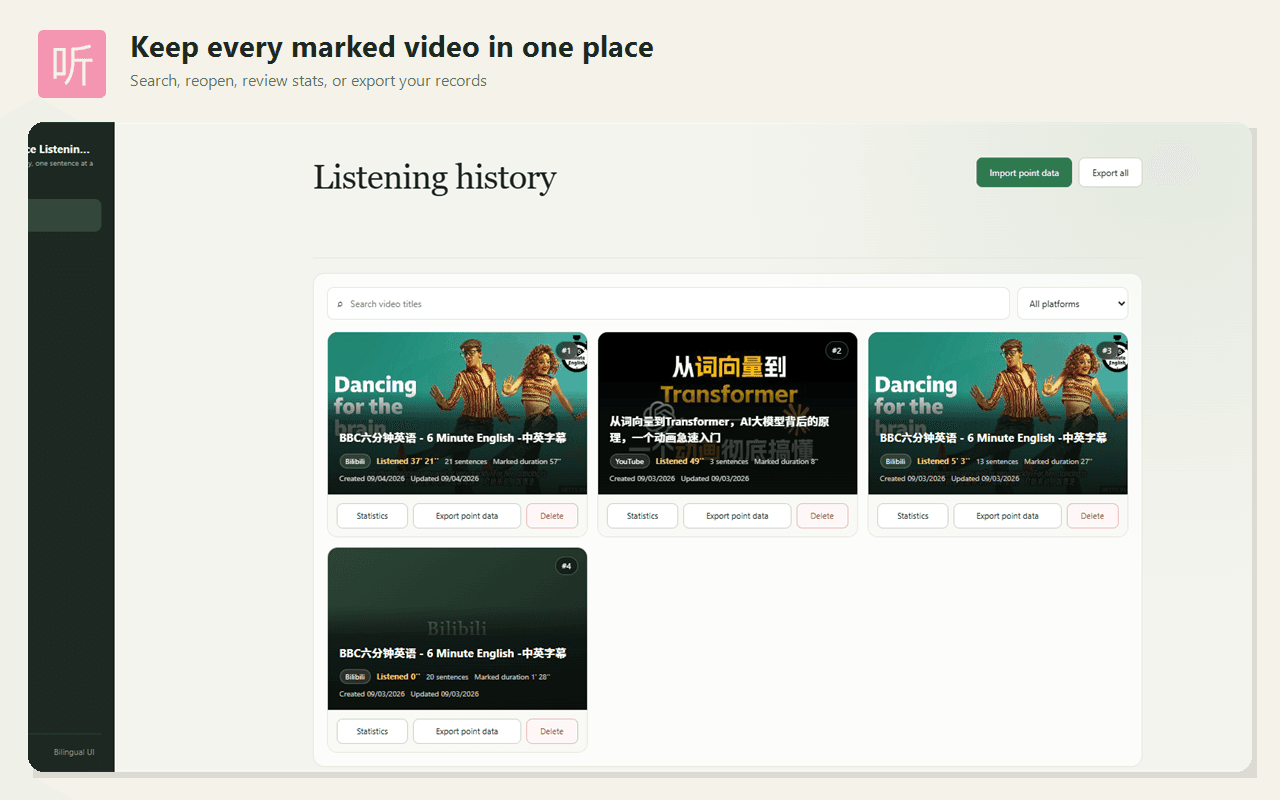
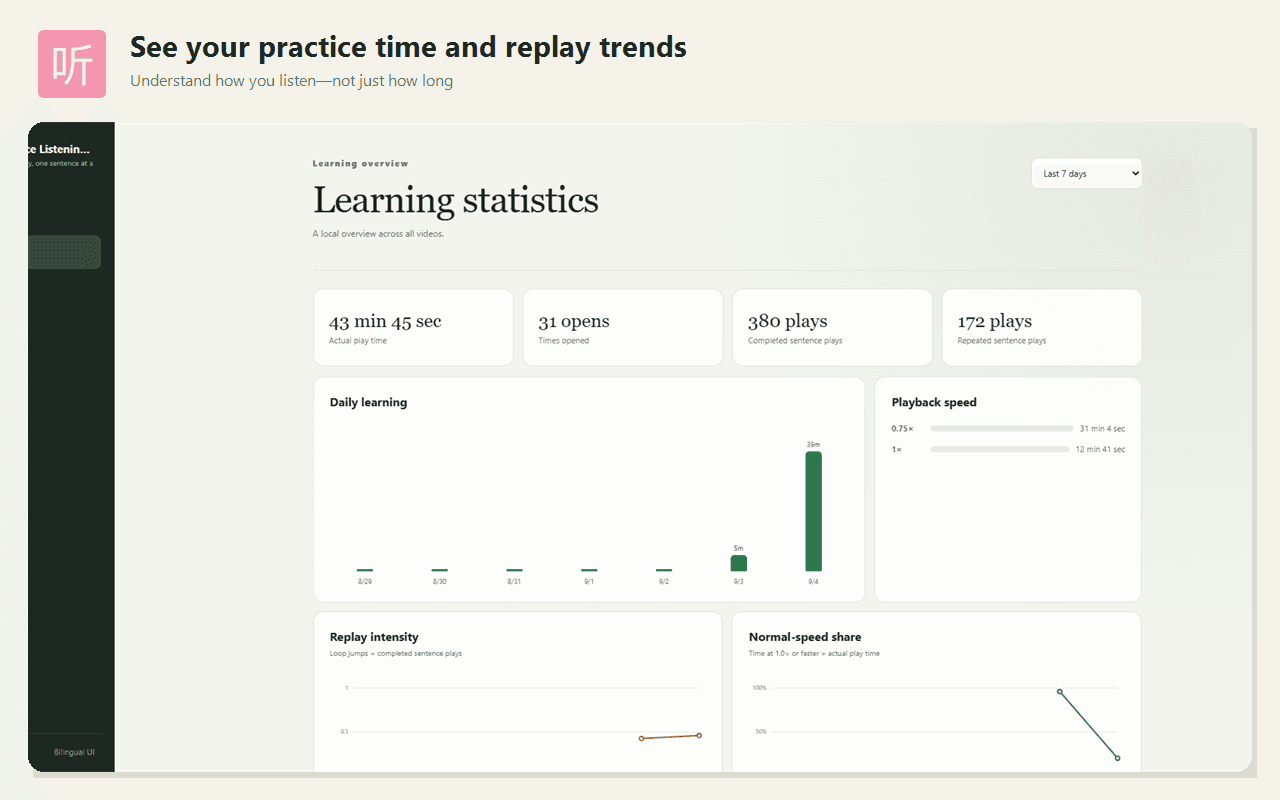
View usage totals and detailed records in the user center, alongside your learning history and statistics.
Three simple steps
Data syncs to the cloud automatically
Signed-out marks stay local. Signing in syncs marks, progress and listening statistics; YouTube supports mobile continuation. Translation and AI analysis send selected text to providers and retain personal request records. Favorites are stored independently in your account. Read how data is used and deleted.
Read the full privacy policy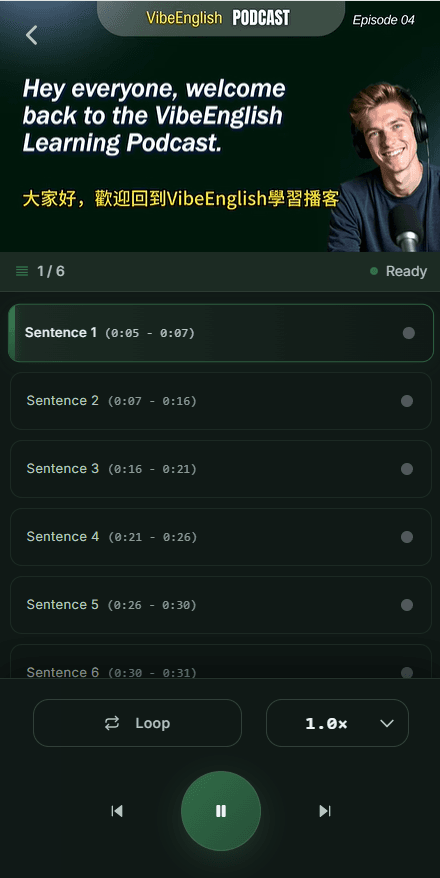

Use the videos you already enjoy and practice one sentence at a time.
Extension companion pack
10 sentence, 10 pronunciation, and 10 listening lessons for A1, A2, and B1+ learners.
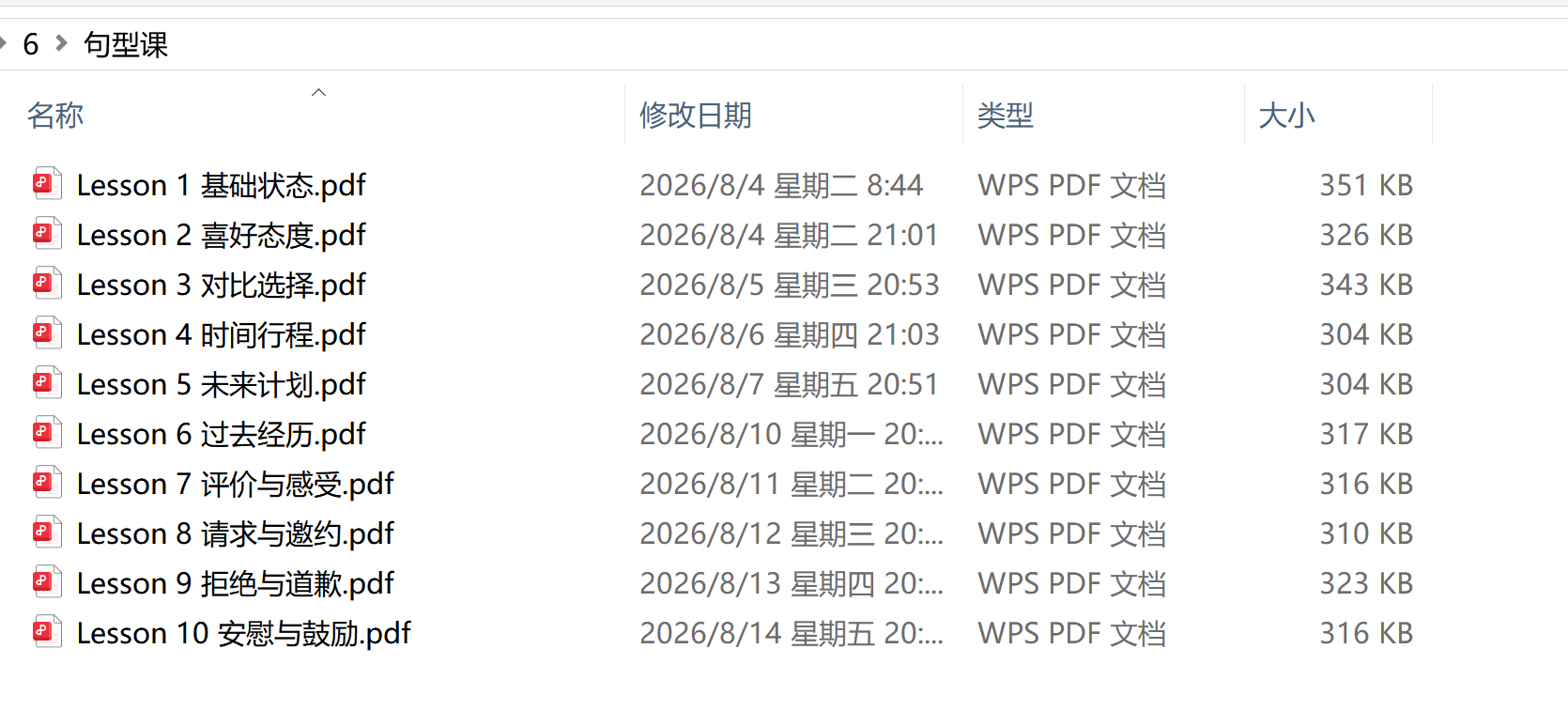
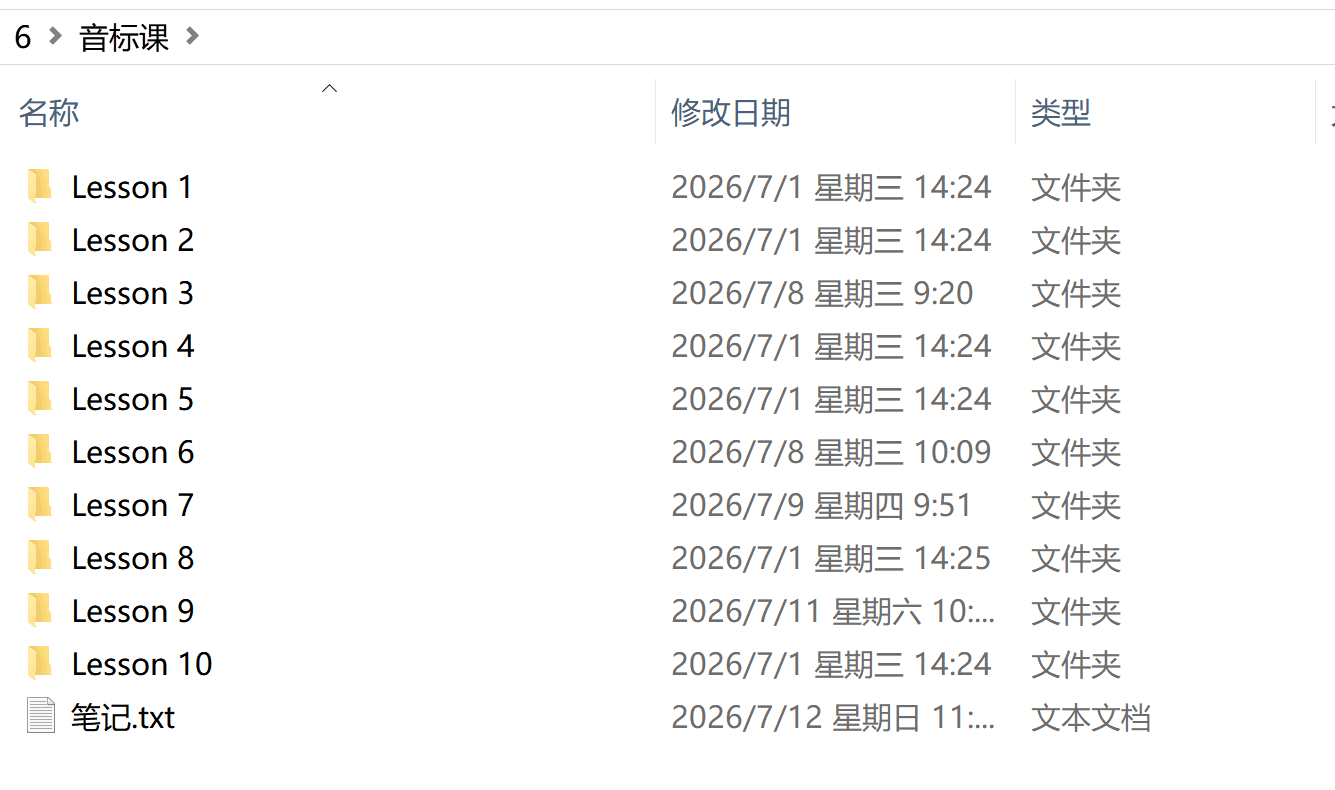
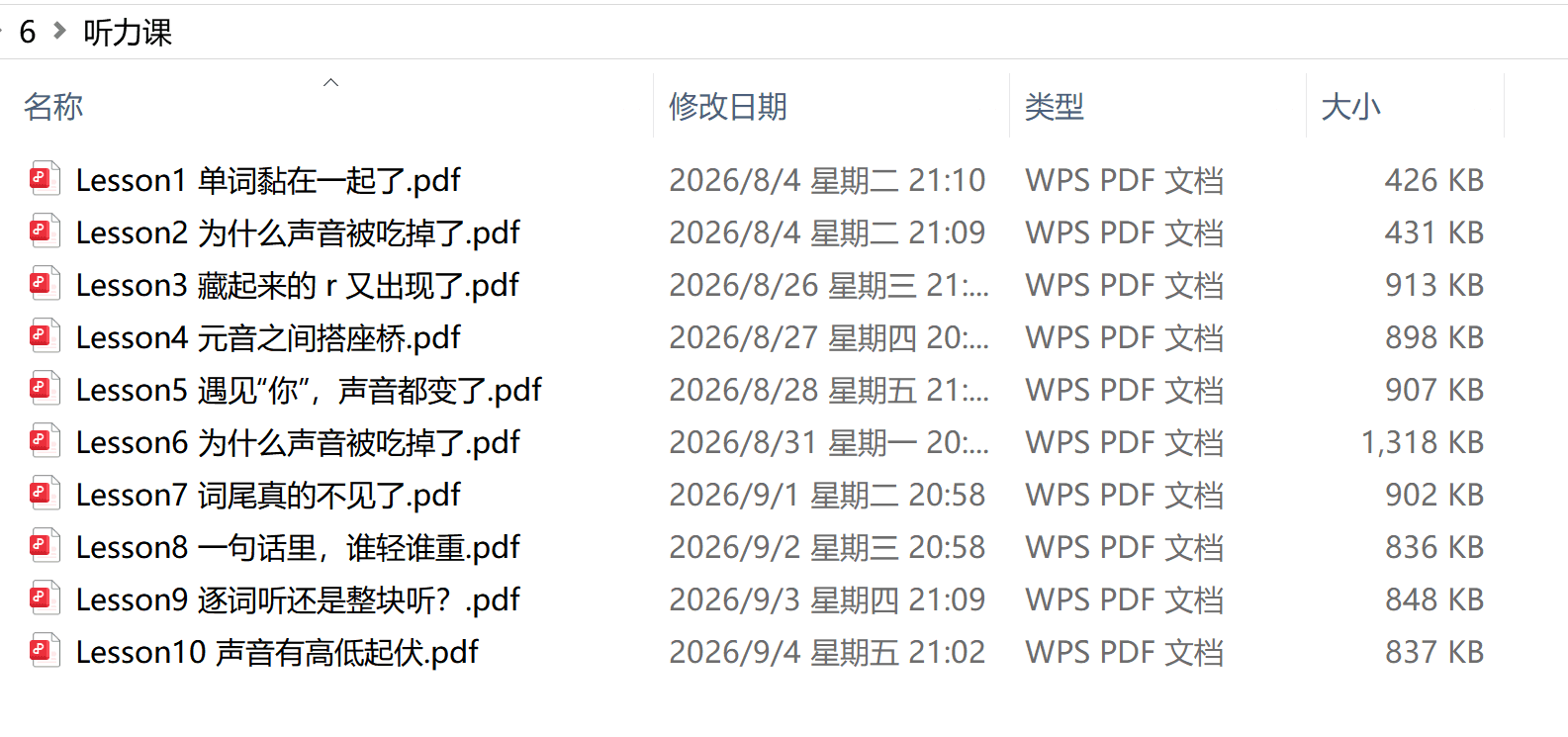
Leave a nickname and email, and we'll send the pack.